PolyTrack: find a line worth trying again
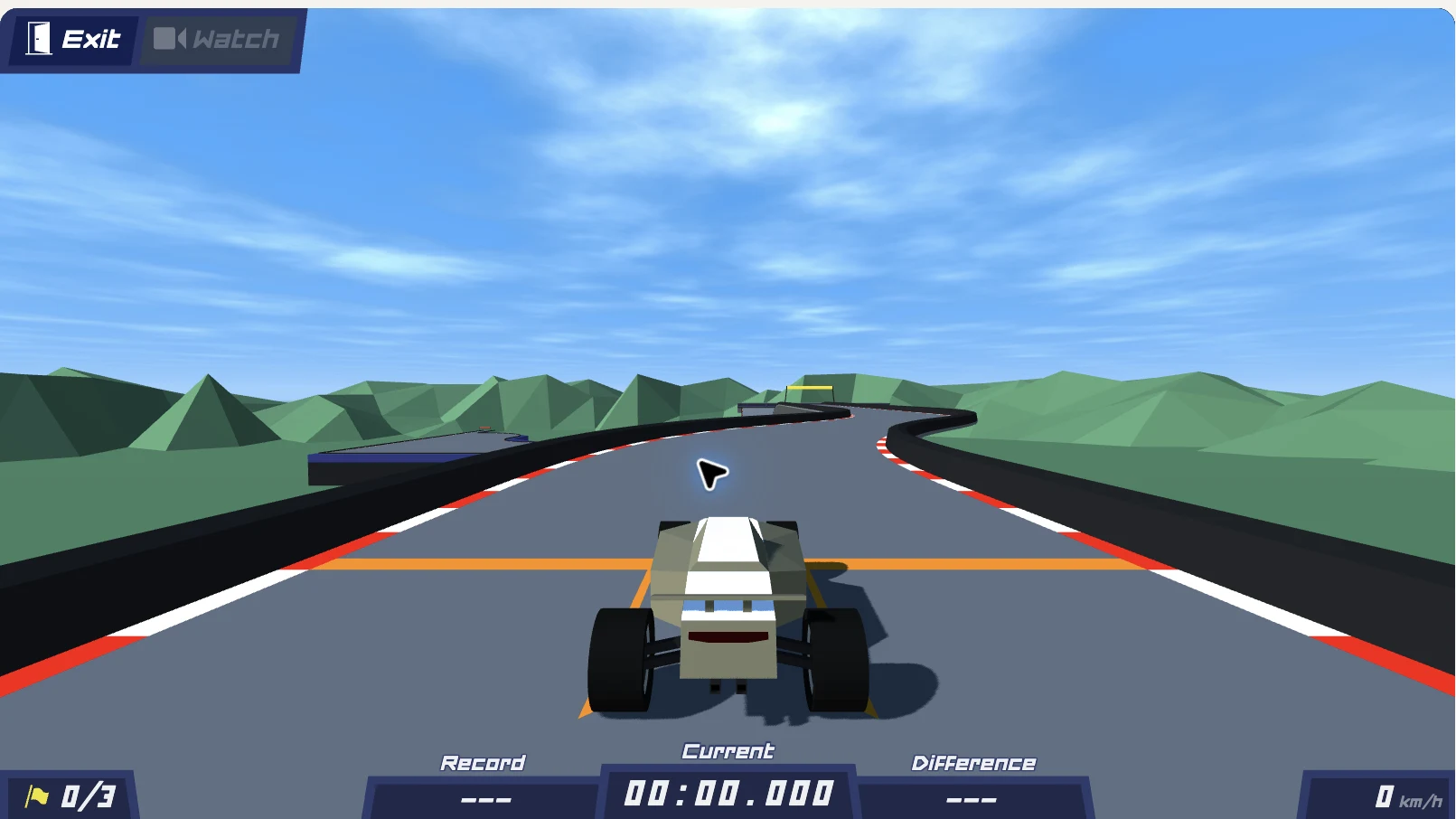
PolyTrack is a low-poly time-trial racing game by Kodub. You drive short courses, learn where they change direction and try to put together a cleaner run. This independent fan site runs version 0.6.3 by default and keeps the 0.5.0 classic version one click away under the player, with a directory of official and community tracks and practical help with controls and import codes. Start the game above when you are ready; you can read the guides and inspect the track previews first.
PolyTrack unblocked: check access before troubleshooting the game
Looking for PolyTrack unblocked usually means you want a browser game you can open on the connection you are using. After you select Play, the player above loads PolyTrack version 0.6.3, or version 0.5.0 if you switch to it, from cdn.thepolytrack.com. Opening this website and reaching that host are separate requests: the guide can load even when the embedded game cannot.
Start by identifying what you can see. A blank player before the menu is a loading issue; a menu with an unresponsive car calls for checking keyboard focus; a missing multiplayer, leaderboard or weekly track is expected here, because those online features need Kodub’s servers and this site offers only the single-player game. Check the loading help beside the player before reloading an active run. This site cannot remove restrictions imposed by a school, workplace or network administrator, and no address is guaranteed to work on every connection. Use a connection where playing is permitted.
Read the full PolyTrack unblocked access guideMake the first run a reconnaissance lap
The first useful goal in PolyTrack is to understand a course, not to produce a fast time immediately. Pick an official track, notice the first turn and look for the next checkpoint. A slower attempt that teaches you where to brake is more useful than repeating a crash without changing anything.
Summer 1 is a good starting point. In PolyTrack 0.6.3 the first launch goes straight into a Summer 1 tutorial; in 0.5.0 you open Play and select it from Official tracks. Neither needs a code or a download from this website. Once you recognize the route, change one decision at a time: lift off the accelerator earlier, use a smaller steering correction or approach a jump more squarely.
Learn the controls and plan your first attemptsA shorter practice loop makes mistakes easier to understand
PolyTrack gives you both a checkpoint reset and a restart from the beginning. Use the checkpoint option while learning a difficult section. Restart the whole course when you want to connect the sections into one attempt. These actions solve different problems, so learning both keys saves a lot of unnecessary repetition.
Watch where a mistake starts rather than only where the car finally stops. A bad landing can begin with a steering input before takeoff; a missed turn can begin with carrying too much speed into it. This is practice advice, not a claim that there is one perfect racing line for every map. The useful comparison is between two attempts where you deliberately changed something.
Choose a course before collecting more codes
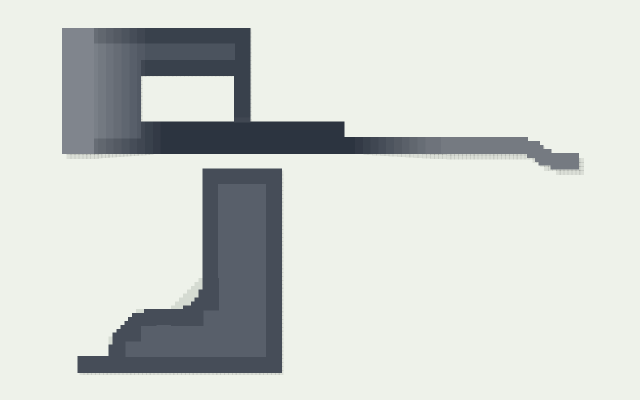
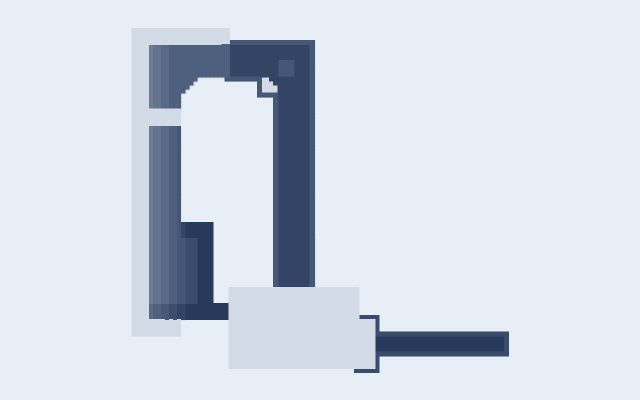
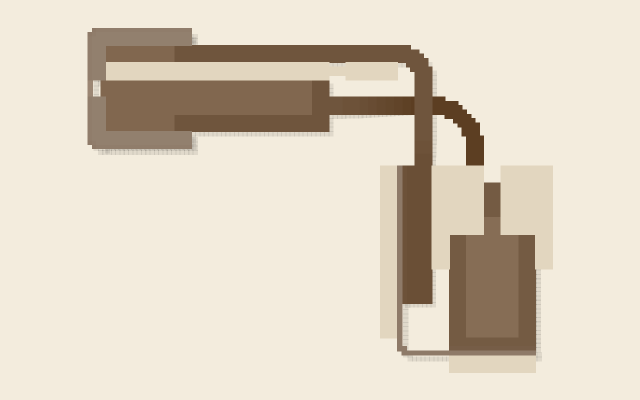
The PolyTrack directory separates official courses from community creations and real-world circuits. The official previews cover all 17 tracks: Summer 1–7, Winter 1–5 and Desert 1–5. Each card names the versions that include the track, and Winter 5 and Desert 5 exist only in 0.6.3. Community cards preserve the creator’s name, the source file and a complete import code. A dramatic-looking course is not automatically harder, and the cards do not assign invented difficulty scores.
Open a 3D preview to inspect the overall shape, raised sections and visible gaps. These are still images rendered from the actual track models. They help you choose a layout, but they cannot show the feel of a corner or prove that you can finish it. For enclosed sections, the driving view remains the best way to discover the route.
Explore the track previews and codesA track code carries a layout, not an instant launch
To add a community course in PolyTrack, copy its complete code, open Play → Import inside the game and paste it there. The website’s copy button does not select a track inside the embedded player. Keep the TXT file or original source link if you want to return to the same creation later.
Version matters. This site runs PolyTrack 0.6.3 by default and keeps 0.5.0 as a classic option. Codes in the 0.5 format (PolyTrack1) import in both; codes in the 0.6 format (PolyTrack2) import only in 0.6.3. Our 15 community codes were imported in both versions, and each track card lists the versions it was tested in. That check does not establish full race completion, leaderboard availability or compatibility with every other map.
Set up the page before a longer session
The website language and the PolyTrack menu language are separate settings. In the game, use Settings → Language → Apply if you want different menu labels. A keyboard gives you the controls documented here; phone browsers can differ in touch controls and fullscreen support.
If the game is still loading, wait for its menu before trying to import anything. If it reports another instance, close the other game first. Switching version under the player reloads the game and ends the current attempt, and browser saves belong to cdn.thepolytrack.com. Keep a copy of custom codes because browser storage does not promise that tracks will follow you to another device.